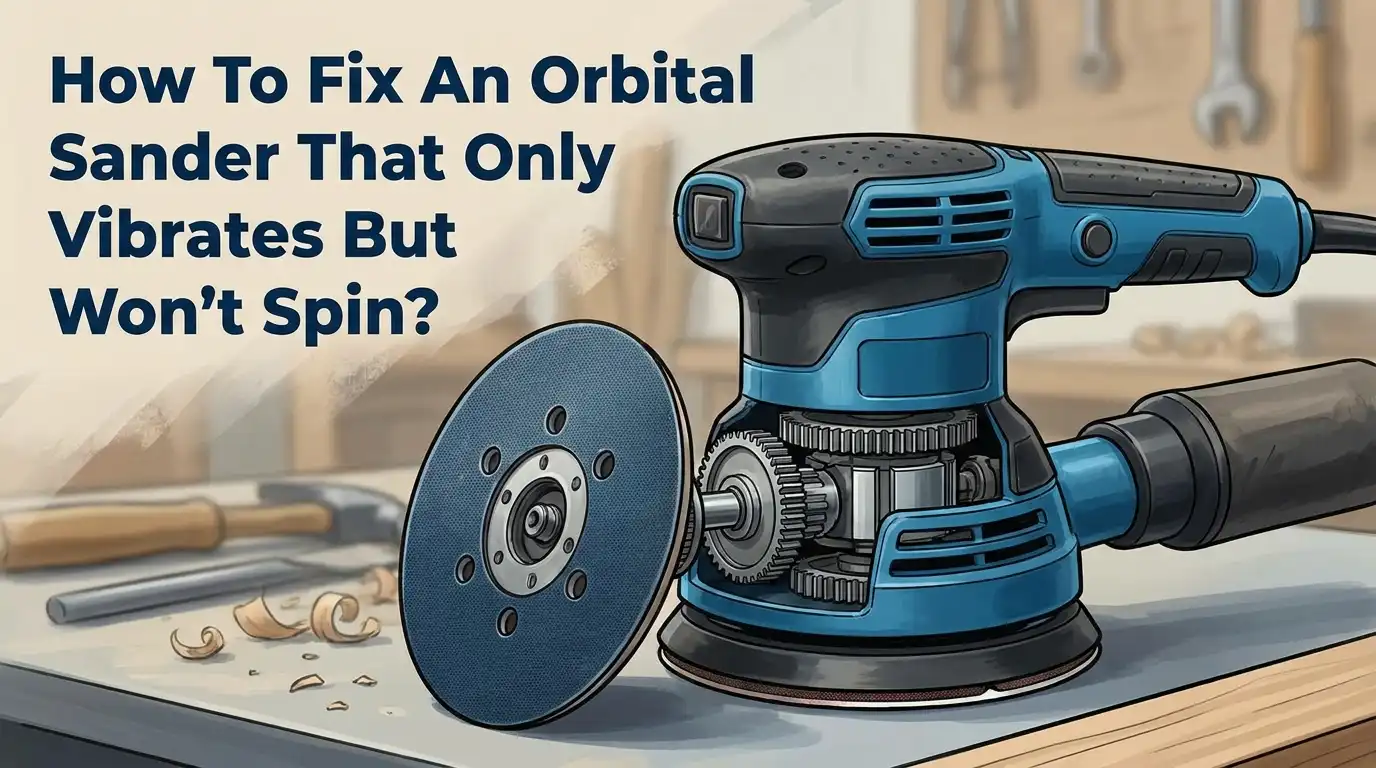
How To Fix An Orbital Sander That Only Vibrates But Won’t Spin?
Your orbital sander suddenly feels like an angry bee. It buzzes and shakes but the pad refuses to spin. This is a frustrating problem, but you are not alone.
Many woodworkers face this exact issue. The good news is that it rarely means your tool is dead for good.
Vibration without rotation usually points to a few specific culprits. Sometimes you press too hard on the tool. Other times, worn parts inside the motor cause the trouble.
Cheap sandpaper can also jam the mechanism and stop it from moving smoothly.
In a Nutshell
- Too much pressure is the top reason your sander shakes but won’t spin. Ease up and let the tool glide on its own.
- Cheap sandpaper can jam the pad and block smooth rotation. Always pick quality sandpaper for better results.
- Worn or damaged rotor vanes inside the motor often cause this problem. Open the tool and check them closely for cracks or wear.
- If the motor itself has failed, spinning won’t resume no matter what you try. In that case, a motor replacement becomes necessary.
- Pneumatic models need the right speed setting to work properly. Running them too slow can trigger stalling and vibration.
- Patience matters a lot here. Rushing the sanding process often leads straight to this frustrating issue.
- Before you grab a tool in a shared workspace, give it a quick check. This simple habit can save you time and hassle later.
Why Your Orbital Sander Vibrates Instead Of Spinning
Your orbital sander vibrates but refuses to spin. This problem frustrates many users, but understanding the root cause makes fixing it simple.
Excessive pressure is the primary culprit. When you push down too hard on the sander, the motor cannot overcome the resistance. The tool vibrates because internal components try to move but get stuck. The motor works harder but cannot complete its rotation cycle. Think of it like pressing too firmly on a spinning top—it stops spinning and just wobbles.
Low quality sandpaper creates another common issue. Cheap sandpaper shreds easily and clogs the sanding pad. Debris builds up underneath and blocks the pad from moving. The motor still receives power, so vibration continues, but the pad stays locked in place.
Worn rotor vanes inside the motor cause deeper problems. These small components push air or fluid to create motion. Over time, they wear down from regular use. When damaged, they cannot generate enough force to spin the pad, even though the motor still vibrates from trying.
Motor failure represents the most serious scenario. If internal components break completely, the motor cannot produce any spinning motion. Vibration occurs because electrical current still flows through the tool, but mechanical failure prevents actual rotation.
Speed settings matter for pneumatic models. Running these sanders at low pressure reduces spinning power. The tool vibrates from air pressure but lacks enough force to rotate the pad smoothly.
Each cause requires a different solution. Start by reducing your downward pressure first. If vibration continues without spinning, move to inspecting the sandpaper quality and rotor vanes next. Motor replacement becomes necessary only when other fixes fail.
Checking For Excessive Pressure And Technique Issues
When your orbital sander vibrates but won’t spin, excessive pressure is often the first thing to check. You might be pressing down too hard on the tool. The motor has limits on how much force it can handle. When you apply too much downward pressure, the motor stalls and cannot overcome the resistance.
The fix here is simple: let the sander do the work for you. Reduce how hard you push down. Most orbital sanders work best with light to medium pressure. You should feel the tool glide across the surface, not force it down. This alone solves the problem in many cases.
Your technique matters just as much as pressure. Avoid holding the sander at odd angles or tilting it side to side. Keep it flat and parallel to your work surface. Tilting increases friction and makes the motor work harder than it should.
Check your speed settings if you own a pneumatic model. Running the tool at low pressure reduces spinning power significantly. Increase the air pressure to the recommended level. Higher pressure means better motor performance and consistent rotation.
Pay attention to how you move the sander across your material. Don’t let it sit in one spot for too long. Keep it moving in smooth, steady motions. Stationary contact creates heat and resistance that can stop rotation.
If you’ve reduced pressure, fixed your technique, and adjusted speed settings but the sander still only vibrates, the problem likely lies deeper inside the motor itself. At that point, you should move on to inspecting internal components like the rotor vanes for damage or wear.
Inspecting The Motor And Rotor Vanes
Your motor and rotor vanes are the heart of your orbital sander. When the sander vibrates but won’t spin, these parts often need inspection. Let’s walk through what to look for.
First, unplug your sander completely. Safety comes first when you’re working inside the tool. Remove the sanding pad and any dust collection attachments. Most orbital sanders have a housing cover that you can access with basic hand tools.
Look at the rotor vanes inside the motor. These small blades or fins should be smooth and intact. Run your finger gently over them to feel for cracks, chips, or excessive wear. Damaged vanes cannot push air or fluid properly, which stops rotation dead. If you see visible damage, the motor likely needs replacement.
Check for debris trapped around the vanes. Sawdust, sandpaper particles, and dried adhesive can jam the mechanism. Use a small brush or compressed air to clean out any buildup. This simple step fixes many vibration problems.
Inspect the motor shaft for wobbling or play. Hold it steady and try to move it side to side. Excessive movement means bearings have worn out. The motor cannot spin smoothly when bearings fail.
Look for burn marks or discoloration on the motor housing. Dark spots suggest the motor overheated from overuse or blocked airflow. Melted plastic indicates serious internal damage.
Test the power cord and connections while you’re inside. Loose wires reduce power delivery to the motor. Tighten any loose connections you find.
If vanes are cracked, bearings are shot, or you spot burn marks, your motor needs professional service or replacement. These issues won’t improve on their own. Document what you find with photos before reassembling the tool.
Step-By-Step Guide To Diagnosing The Problem
Start by gathering what you need. You’ll want a flashlight, a screwdriver set, and a clean workspace. Make sure the sander is unplugged before you touch anything inside.
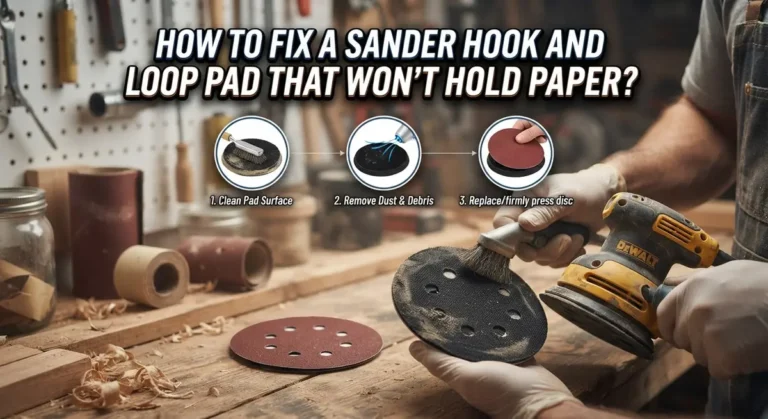
Next, remove the sanding pad and examine it closely. Look for clogged areas where dust has packed in tight. Tap the pad gently to release trapped debris. If the pad feels sticky or has residue buildup, clean it with a dry brush or compressed air.
Now check the motor housing exterior. Feel around the vents and openings. Debris often gets sucked into these areas and blocks airflow. Use compressed air to blow out dust from all vents and openings. This simple step fixes many vibration problems.
Locate the power cord connection point. Wiggle the cord gently where it enters the motor housing. A loose connection can cause vibration without proper spinning. Tighten any connections you find.
Look at the trigger switch mechanism. Press and release it several times while the sander is unplugged. The switch should click smoothly. If it feels stuck or gritty, debris may be inside the trigger assembly.
Inspect the sanding pad attachment point. Make sure the pad sits flat and centered on the motor shaft. A misaligned pad causes vibration and prevents normal spinning motion.
Finally, plug the sander in and run it without the pad attached for a few seconds. Listen and feel for unusual sounds or vibrations. Normal operation should feel smooth and balanced.
If vibration continues after these checks, the issue likely involves internal motor components that need professional service or replacement.
How To Fix A Non-Spinning Orbital Sander
When your orbital sander vibrates but won’t spin, the problem usually stems from one of two sources: operator error or internal motor damage. Understanding which one you’re dealing with helps you fix it faster.
Start by examining your sandpaper quality. Low quality sandpaper clogs the mechanism and prevents proper rotation. The dust collection system backs up, and the sander stalls. Replace cheap sandpaper with higher quality options that maintain consistent grit and durability.
Next, check your material contact. Are you sanding wood, metal, or composite material? Different materials require different approaches. Some materials create more resistance than others. If you’re working on a particularly dense material, the motor struggles to spin under load.
Inspect the sanding pad itself for damage. A warped or damaged pad prevents even contact with your material. This causes binding and stalling. Run your finger across the pad surface. It should feel flat and smooth. Any bumps or depressions indicate replacement is needed.
Look at your power source connection. A loose or corroded power cord reduces electrical flow to the motor. Check where the cord enters the sander. Wiggle it gently while the tool is unplugged. Any movement indicates a loose connection that needs tightening.
Test the sander without any pad attached. Plug it in and run it for a few seconds. If it spins freely without the pad but stalls when you attach one, the problem relates to pad contact or material resistance, not the motor itself.
These checks help you narrow down whether you’re facing a simple fix or need professional motor service. Most vibration without spinning issues resolve through these diagnostic steps.
Special Considerations For Pneumatic Orbital Sanders
Pneumatic orbital sanders work differently than electric models, and this affects how you troubleshoot vibration without spinning. These tools rely on compressed air pressure to power the motor, which means your air supply quality matters significantly.
Check your air compressor first. Low air pressure stops the motor from spinning properly. Your compressor should deliver consistent PSI to keep the sander running smoothly. If pressure drops, the tool vibrates but the rotor won’t turn. Test your air line connections for leaks. Tighten any loose fittings you find.
Adjust the speed regulator on your sander. Pneumatic models have a valve that controls air flow. Set it to the highest speed setting to prevent vibration issues and swirl marks on your material. Lower speeds can cause the motor to stall while vibrating.
Inspect the air inlet filter. Dust and moisture clog these filters quickly. A blocked filter reduces air flow to the motor. Clean or replace it if you notice reduced performance. Moisture in the air line also causes problems. Consider adding a moisture trap to your compressor setup.
Check the exhaust port. Pneumatic sanders release air through an exhaust. If this port gets blocked, back pressure builds up and stops the rotor. Clear any debris around the exhaust opening.
Test with fresh air supply. Disconnect and reconnect your air hose to the sander. Sometimes loose connections cause intermittent motor failure. Listen for hissing sounds that indicate air leaks.
If you’ve checked all these pneumatic specific issues and vibration continues, your motor likely needs internal inspection or replacement by a professional technician.
Common Mistakes That Make The Problem Worse
Pressing too hard on your sander is the biggest mistake you can make. Many people think more pressure equals better results. This actually causes the motor to stall and stop spinning while vibrating. Let the tool do the work instead.
Using cheap or low quality sandpaper creates another major problem. Poor sandpaper clogs the sanding mechanism and prevents proper rotation. The pad gets stuck, and your motor works harder without producing results. Always choose quality sandpaper that matches your project needs.
Ignoring speed settings on pneumatic models leads to frustration. Setting the air regulator too low starves your motor of power. The sander vibrates but cannot spin because it lacks sufficient air flow. Check your regulator and adjust it to the proper level.
Failing to inspect your sanding pad before use causes unnecessary damage. A worn or damaged pad won’t rotate smoothly even if the motor works fine. Replace damaged pads immediately to avoid overworking your motor.
Not cleaning your sander regularly allows dust buildup inside the motor housing. Dust blocks air flow and clogs internal components. This reduces motor efficiency and can cause vibration without spinning. Clean your sander after each use.
Skipping the basic diagnostic checks wastes your time and money. Many people assume the motor failed when the real problem is simple. Test your sander without the pad attached first. Check your power source and connections before taking the motor apart.
Applying the wrong speed for your material type damages internal components faster. Different materials require different sanding speeds. Using incorrect speeds forces your motor to work beyond its capacity.
Patience matters most. Rushing through repairs or operation causes more problems than slow, careful work.
Tips For Preventing Future Spinning Issues
Preventing future spinning issues starts with understanding what causes them in the first place. Proper technique is your best defense. Always let the sander do the work instead of forcing it downward. When you apply excessive pressure, you starve the motor of its ability to function. The vibration you feel is the motor struggling against your force, not spinning freely.
Use quality sandpaper every single time. Cheap sandpaper clogs faster and creates resistance that stalls your motor. Low quality grit also leaves debris in the sanding pad mechanism, which compounds the problem over time.
Regular maintenance prevents most issues. Clean your sander after each use. Dust accumulates inside the motor housing and restricts internal components. For pneumatic models, drain your air compressor regularly. Moisture and condensation travel through air lines and damage pneumatic motors from the inside.
Check your sanding pad before every job. A damaged pad creates uneven pressure and forces the motor to work harder than necessary. Replace pads when they show wear or clogging.
Store your sander in a dry location. Humidity and moisture damage internal motor components, especially the rotor vanes. Keep your power cord and air hose away from heat sources and sharp objects.
Set pneumatic sanders to maximum speed settings. Lower speeds increase swirl marks and create unnecessary strain on the motor. Higher speeds allow the tool to operate at its designed efficiency.
Test your sander monthly if you use it frequently. Run it for 30 seconds without any pad attached. Listen for smooth operation and feel for consistent vibration. This simple check catches problems early before they become expensive repairs.
Final Thoughts
Your orbital sander does not have to sit useless in the corner. Most vibration problems come from simple causes. You can fix them without calling a professional.
Start with the easy fixes first. Check your pressure. Look at your sandpaper quality. These two factors solve most spinning problems on their own.
Motor issues need more attention. If your rotor vanes show wear or damage, replacement often works better than repair. This applies to both electric and pneumatic models.
Pneumatic sanders bring their own quirks. Air pressure and speed settings matter just as much as motor health. Do not skip these checks when troubleshooting.
Remember that patience saves you money. Rushing through diagnostics leads to missed problems. Take your time with each step.
Regular maintenance keeps this issue away. Clean your sander after each project. Store it properly. Check your pads before every job.
Your sander lasts longer when you treat it well. Excessive pressure remains the top enemy of proper spinning. Let the tool do its job without force.
Quality sandpaper matters more than people think. Cheap paper clogs the mechanism and creates problems. Spend a little more here to avoid bigger repairs later.
If basic fixes do not work, motor replacement becomes your next step. This costs less than buying a whole new sander. Weigh your options before making this choice.
A sander that vibrates but will not spin is fixable in most cases. Follow these steps in order. Start simple, then move to deeper fixes if needed.
Your tool deserves proper care. Give it that care, and it will serve you well for years to come.
Frequently Asked Questions
Why does my orbital sander vibrate but refuse to spin?
This happens when excessive downward pressure stalls the motor or when internal motor components fail. Your sander vibrates because the motor still receives power, but the rotor cannot turn under the load you’re applying. The vibration you feel is the motor struggling against resistance.
What’s the first thing I should try?
Reduce your pressure immediately. Most people press too hard thinking it helps, but this actually causes the problem. Let your sander do the work by holding it lightly against the surface. Apply only enough force to keep it in contact with the material. If vibration stops and spinning resumes, you’ve solved it.
How do I know if my motor is actually damaged?
After reducing pressure, disassemble your sander and inspect the rotor vanes inside the motor. Look for cracks, chips, or excessive wear on these small blades. Damaged vanes cannot push air or create the spinning motion properly. If they look worn or broken, your motor needs replacement. A healthy rotor has smooth, intact surfaces.
Should I replace the motor myself?
Yes, if you’re comfortable with basic tool disassembly. Most orbital sanders have motors held in place with just a few bolts. However, if you’re unsure, a repair technician can handle this quickly. The motor is usually the most expensive part, but it’s often cheaper than buying a new sander.
Can cheap sandpaper cause this issue?
Indirectly, yes. Low quality sandpaper clogs faster and creates more resistance. This extra resistance can stall your motor if combined with heavy pressure. Always use quality sandpaper to reduce strain on your motor and ensure smooth operation.

Hi, I’m Leah Ray — the voice behind CraftBench Vault. I’m a passionate woodworking enthusiast dedicated to reviewing the best wood cutting tools and woodworking products. Through honest research and hands-on experience, I help fellow crafters make smarter buying decisions. Welcome to my workshop!